 GameCaddie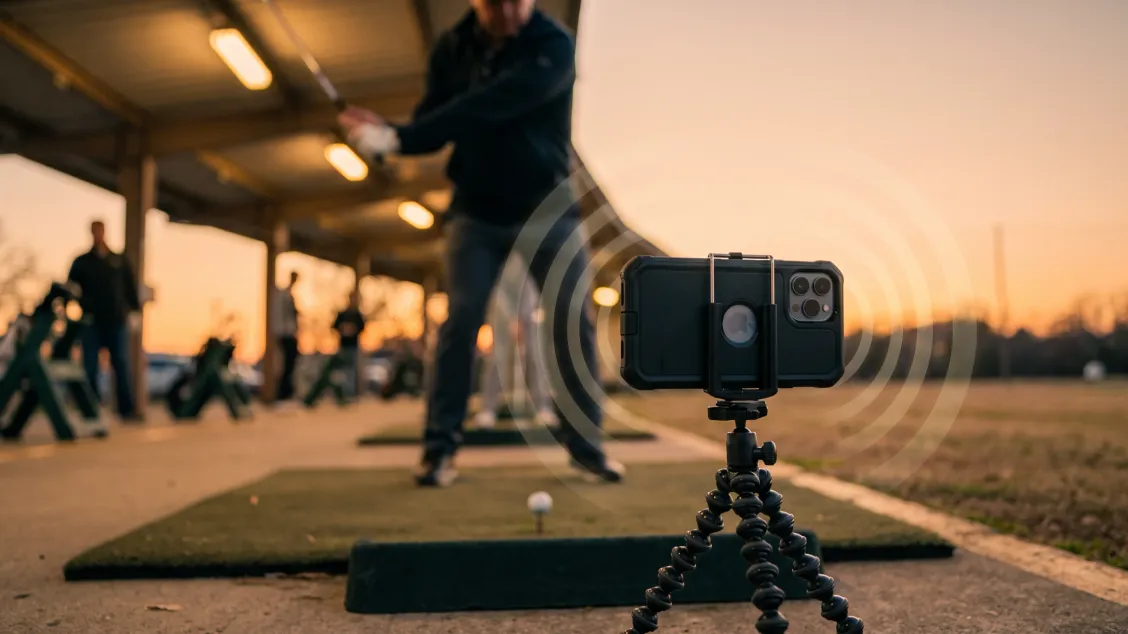
Quick answer
Swing Coach at a glance
| Swing Coach | |
|---|---|
| Price | Free to download; $14.99/month or $119.99/year |
| Free tier | None documented on the listing |
| What it measures | 21 positions across setup, down the line and face on |
| Hardware | iPhone camera only. No sensors, no dots, no launch monitor |
| Platforms | iPhone only, iOS 18+. No iPad-native version, no Android |
| Recommended phone | iPhone 14 Pro or newer; runs back to iPhone 11 |
| Feedback style | Spoken, after each swing, hands-free |
| Works offline | Yes for analysis; Wi-Fi for install and subscription checks |
| Ratings | 4.9 from 3,032 App Store ratings |
| Version checked | 2.3.0, released 14 September 2026 |
Prices and specs from the Swing Coach App Store listing and Swing Intelligence, checked September 2026.
What it measures, and from which angle
Swing Coach reads 21 body and club positions, and which ones you get depends entirely on where the phone sits. Pick the angle your bay lets you set up, then pick a position it can see.
| Camera view | What it reads |
|---|---|
| Setup posture | Alignment, hip bend, hip depth, knee bend, hands, chest, stance width |
| Down the line | Swing plane, spine stability, head, hip depth, flying elbow, trail knee bend |
| Face on | Shaft lean, club release, spine tilt, lead shoulder, lead hip, head, lead knee, trail knee |
You tell it which one to watch, and it speaks after each swing, with no reflective tape on your glove and nothing to scrub through afterwards. The company says it has analyzed over 15 million swings.
The practical win is the loop. Most swing apps make you hit, walk over, tap, scrub and interpret, which is why so many golfers film three swings and never open the app again. Swing Coach keeps you standing over the ball: prop the phone, pick a position, and hit. Swing Profile captures and replays hands-free too. What Swing Coach adds on top is the voice, telling you what happened without asking you to look at anything.
The limit is the same one that binds every 2D camera app: the phone has to be square to you. Put it a few feet off the target line and the swing plane it reports is a confident number about a swing you did not make. A bay that leaves nowhere square to set the phone can cost you the whole session before you notice. At a busy range it can also read a neighbor’s swing as yours.
What it costs against the other swing apps
$119.99 a year makes Swing Coach the most expensive phone-only swing app on this list, and the only one that says the reading out loud.
| App | Annual | Monthly | Free tier | Platforms |
|---|---|---|---|---|
| Swing Coach | $119.99 | $14.99 | None documented | iPhone only |
| Sportsbox 3D Golf | $109.99 (Player) | $15.99 | Limited | iPhone, iPad, Vision, Android |
| Swing Profile | $99.99 (Elite) | $12.99 | Yes, 3 saved recordings | iOS, Android |
| V1 Golf | $69.99 (Plus) | $9.99 | Free download, paid features | iPhone, iPad |
| OnForm | $49.99 (Personal) | $4.99 | Free trial | iPhone, iPad, Mac, Watch |
Prices from each app’s current App Store listing and the Swing Profile pricing page, checked September 2026. Swing Profile was running a 50% sale on Elite ($49.99) when checked; the table carries the regular price.
Three years of Swing Coach on the annual plan is $359.97. Straight monthly is $539.64. A golfer who only practices in season can do better than both: six months at $14.99 is $89.94, which beats the $119.99 annual plan as long as you remember to cancel in the autumn. Three years of V1 Golf is $209.97 for video of the same swing. That $150 gap is mostly the voice.
Swing Coach sits at 4.9 from 3,032 App Store ratings, which is high for a golf app and worth less than it looks. Sportsbox 3D Golf also sits at 4.9 from 3.6K ratings, and V1 Golf at 4.1 from 1,800. App Store ratings in this category run high across the board and will not separate these apps for you.
What golf research says about feedback after every swing
Swing Coach’s core feature is the one thing golf motor-learning research is least settled about. That changes how you should use the app more than whether you should buy it.
Barzyk and Gruber’s 2024 systematic review in Frontiers in Sports and Active Living pulled together 52 randomized trials on golf motor learning, 11 of them on augmented feedback. Their conclusion on that group: “For ‘augmented feedback’, no single method can be considered the most favorable.” Studies that showed a winner during practice often failed to show one on retention tests a day or a week later.
That pattern has a name. The guidance hypothesis, which grew out of Salmoni, Schmidt and Walter’s 1984 review of knowledge of results in Psychological Bulletin, holds that frequent feedback improves how you swing while the feedback is available and can weaken what you retain once it stops. Better shots on a day the app reads out every swing tell you how you performed that day. Whether it stuck is a separate question, and the answer turns up a week later with the phone in the bag.
Swing Coach’s vocabulary is body parts: hip depth, spine tilt, flying elbow, lead knee. Language like that is likely to point your attention at your own movement rather than at what the club is doing, and the golf evidence prefers the outward version. Wulf and Su, writing in Research Quarterly for Exercise and Sport in 2007, had novices hit 9-irons at a 50cm-radius target under three instruction sets. On a retention test one day later the external-focus group (attention on the pendulum motion of the club) scored significantly better than the internal-focus and control groups, F(2, 27) = 5.38, p = .011. A second experiment ran the same three instructions past 6 expert golfers, average handicap 1.3, and external focus again came out ahead, though that one measured the day’s shots and never tested retention.
Neither study tested Swing Coach, or any app. Read together they point at a measurement tool worth switching off on purpose, and the routine below is our reading of that rather than a finding. The same tension sits inside any app that talks about your body; Swing Coach is the one that does it after every ball instead of every tenth.
What golfers report using it
Reports skew positive on reliability. A widely-read r/GolfSwing thread described setup as quick and said the app did not miss a swing during testing, handled half swings, warned when the golfer drifted out of frame, and worked without hitting a ball. A GolfWRX thread from March 2026 confirms the auto-capture behavior across swing plane, hand path and spine measurements.
The recurring complaints are price and the gap between knowing and feeling. $14.99 a month reads steep next to V1 Golf at $9.99, and accuracy barely comes up in those threads. A second r/GolfSwing thread makes the point plainly: a complete beginner hears “your hip depth increased” and has no idea what to do with it. The app names the fault. Translating a named fault into a movement is still a coach’s job, or a lot of patient trial and error.
Several of the coaches whose drill libraries ship inside Swing Coach, including Danny Maude, Piers Ward and Andy Proudman, also published videos reviewing it. Those videos are worth watching for the setup footage. Treat the verdicts the way you would treat any review by someone whose content is in the product.
Who Swing Coach fits
Buy it if you practice alone, on an iPhone 14 Pro or newer, and you already know which position you are working on. The app is at its best when a coach has given you one thing to fix and you need 200 honest reps on it between lessons. It turns a vague “get your hips deeper” into a number that moves.
It also fits the golfer who films swings and never watches them. If your camera roll has 40 unwatched swing videos, the hands-free loop is the fix, and $119.99 buys you a season of feedback you will actually hear.
Off-season indoor work is the other strong case. It runs without a ball and without a cell signal, so a net in the garage in February is a real use for it. Pair that with the handicap you are trying to move: if you are not sure where your swing sits relative to what a good golf handicap is, start there before you spend on swing tech.
Who should skip it
Skip it if you are on Android; there is nothing to buy until Swing Intelligence ships. Skip it on an iPhone 12 or 13 too; the company’s own guidance is that the iPhone 14 Pro is the oldest phone feeding its AI high-quality images, and paying $119.99 for degraded input is a bad trade.
Skip it if you are new to golf. Positional feedback needs a vocabulary you do not have yet, and at that stage clean contact buys more shots than a tidy spine tilt. Skip it if your strokes are leaking somewhere other than your swing. A golfer losing 4 shots a round to three-putts and wrong club choices will get nothing back from a perfect takeaway, which is what strokes gained is for measuring before you buy anything.
Skip it if you want video you can send to a coach. That is V1 Golf and OnForm’s job, at $69.99 and $49.99 a year, and both do it better.
How to use it without getting dependent on the voice
- Pick one position, not five. Choose a single item from the app’s list. Stacking three or four corrections is how a range session turns into a thinking session.
- Film from the angle that shows it. Swing plane, spine stability, head position, hip depth, flying elbow and trail knee bend read from down the line. Shaft lean, club release, spine tilt and the lead shoulder read face on.
- Work in blocks of 20 to 30 balls with the voice on. Feedback right after the swing is at its best here, while the feel of what you just did is still fresh.
- Turn the voice off and hit 20 more. Predict what the app would have said, then check. Guessing right is the skill that carries to the course, where nothing is talking to you.
- Re-test a week later, cold. Film two swings before any warm-up feedback. If the position held, it is starting to stick. If it collapsed, you have been renting it.
The next step
Subscribe monthly first. $14.99 buys you a month to find out whether you use it twice a week or twice, and the annual plan will still be there. If you are in month three and still hearing something new, the $119.99 has earned it.
Then check that your swing is where the strokes are. We build the GameCaddie apps, so read this knowing that. BallCaddie matches your speed and your miss against 72 models in about 90 seconds, which is a cheaper fix than a swing change if your ball is wrong: Find your ball. PracticeCaddie runs a 10-drill assessment and hands back a week of range work aimed at your worst numbers: Build an AI practice plan. Both are free to start, no card. For the whole suite, Get every app is $79 a year.
For deeper dives
- What is a good golf handicap? the number your swing work is meant to move
- Golf swing analyzer apps V1 Golf, OnForm and Sportsbox 3D compared on price and limits
- Best golf app for iPhone other picks for an iPhone-only bag
- Strokes gained explained how to tell whether your swing is the leak
- 18Birdies review another app with AI swing analysis bundled in
Key takeaways
- Swing Coach costs $14.99 a month or $119.99 a year, with no documented free tier. Three years on the annual plan is $359.97.
- It reads 21 positions across setup, down the line and face on, using only an iPhone camera. No sensors, no dots.
- iPhone only, iOS 18+, and Swing Intelligence has paused Android development over hardware limits on common Android phones.
- The spoken reading is the headline difference. OnForm films the same swing for $49.99 a year and V1 Golf for $69.99, without the voice.
- Barzyk and Gruber’s 2024 review of 52 golf trials found no augmented-feedback method to be the most favorable, and the guidance hypothesis warns that feedback on every rep can flatter practice while weakening what you keep.
- Wulf and Su found external-focus instruction beat internal-focus on a next-day retention test, F(2, 27) = 5.38, p = .011. Swing Coach speaks in body parts, so switch it off in blocks and test yourself cold.